Version 2.0.0 · Windows
Download VanillaX
One installer. It brings Minecraft 26.2, Fabric, the VanillaX client and its own Java, so there is nothing else to install.
VanillaX for Windows
About 132 MB · Windows 10 and 11, 64-bit · Version 2.0.0
The build is finished but not published yet. The installer is ready and tested; it is being put up for download now. Check back shortly.
Windows will warn you the first time. The installer is not code signed yet, so SmartScreen shows a blue box. Click More info and then Run anyway. A signing certificate is on the list.
How it works
- Install and open itRun the installer, then start VanillaX from your desktop or start menu.
- Sign inUse your Microsoft account. Until Mojang approves our sign-in, the launcher offers an offline mode for single player.
- Press PlayIt downloads Minecraft, Fabric and the client, shows you the progress, and starts the game.
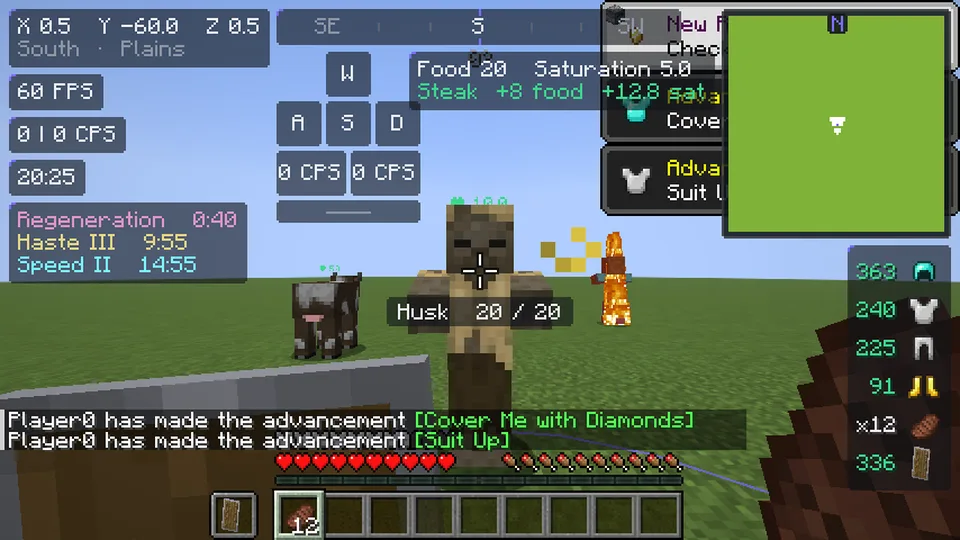
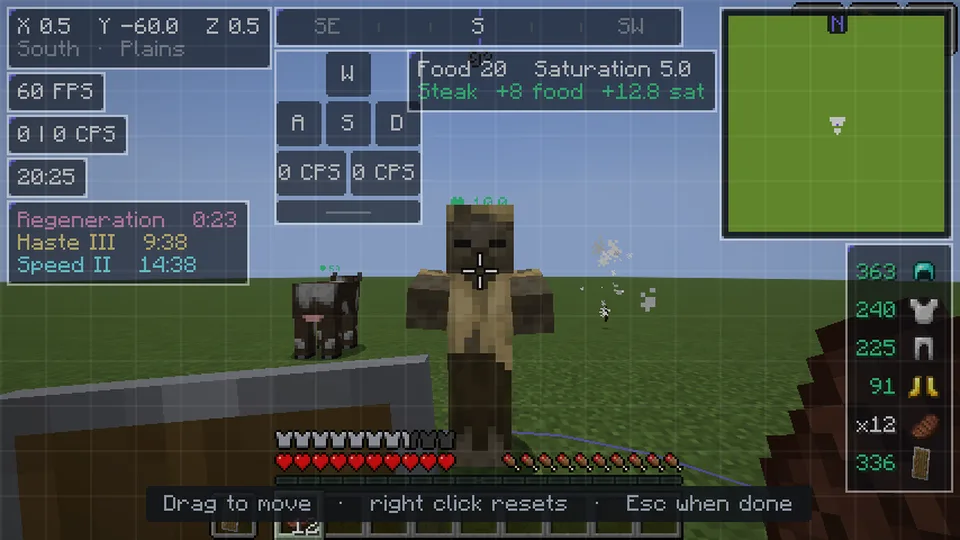
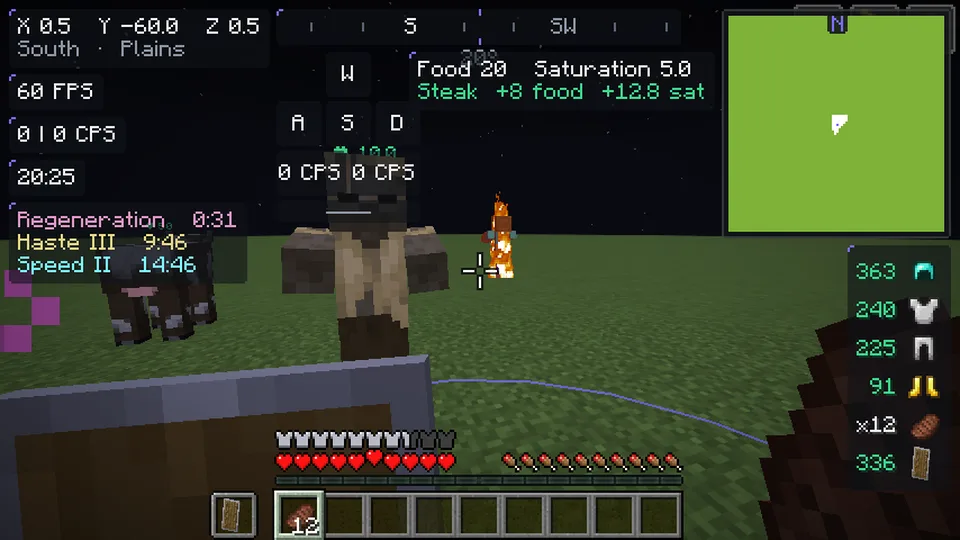
- Press Right Shift in gameThe module menu opens. Turn things on, drag your HUD around, pick a cape.
What it needs
- Windows 10 or 11, 64-bit.
- A Minecraft: Java Edition account for online play.
- About 2 GB of disk space once the game is installed.
- No Java needed: the launcher brings its own.
Everything is installed under %APPDATA%\.vanillax. macOS and Linux builds are not ready yet.